See colors differently. Turn any photo into a palette.
Snap a photo of anything that inspires you and Huepick reveals the hidden palette inside: up to twelve colors, ready to copy, understand, and reshape with creative tools. No typing, no searching, no account, and no cost.
12-color palettes
6 creative tools
Free forever
No account required

Why color lovers choose it
A calm, complete way to capture and create with color.
Huepick turns a moment of inspiration into a palette you can actually use, then keeps going with clear analysis and creative tools, all without a sign-up or a signal.
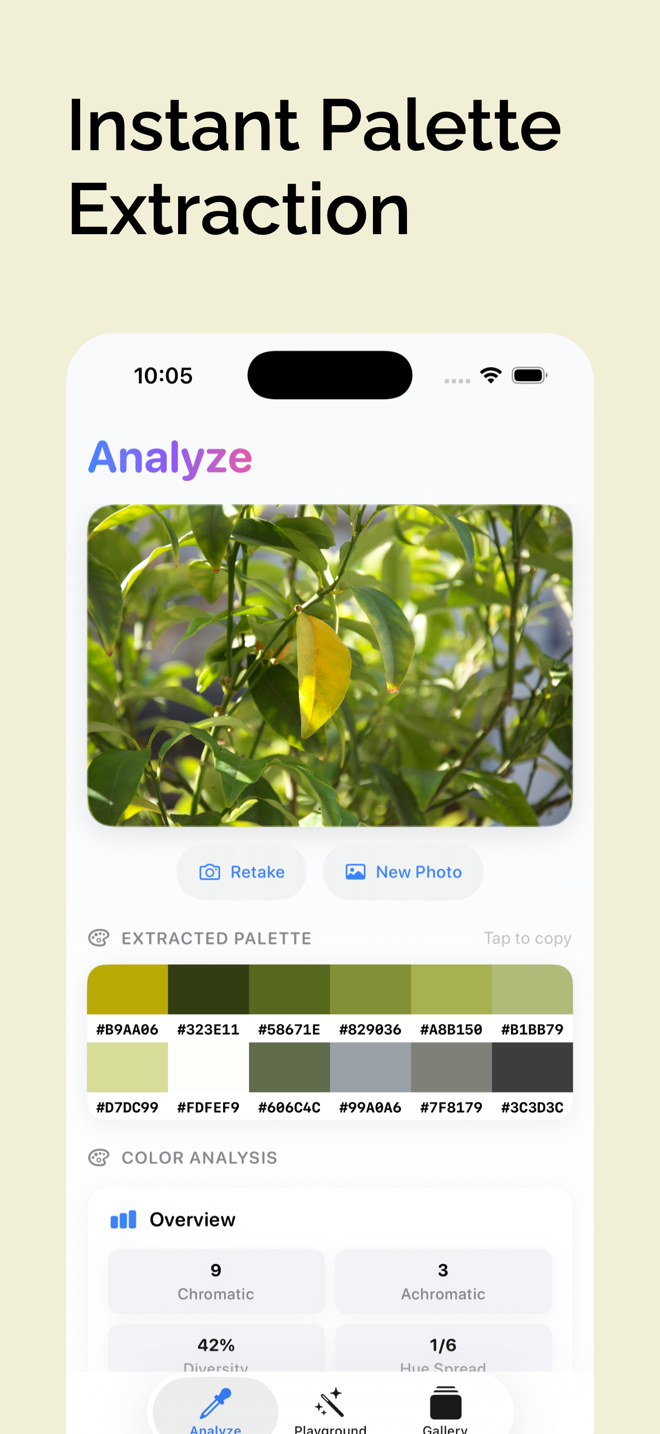
Extract a palette in seconds
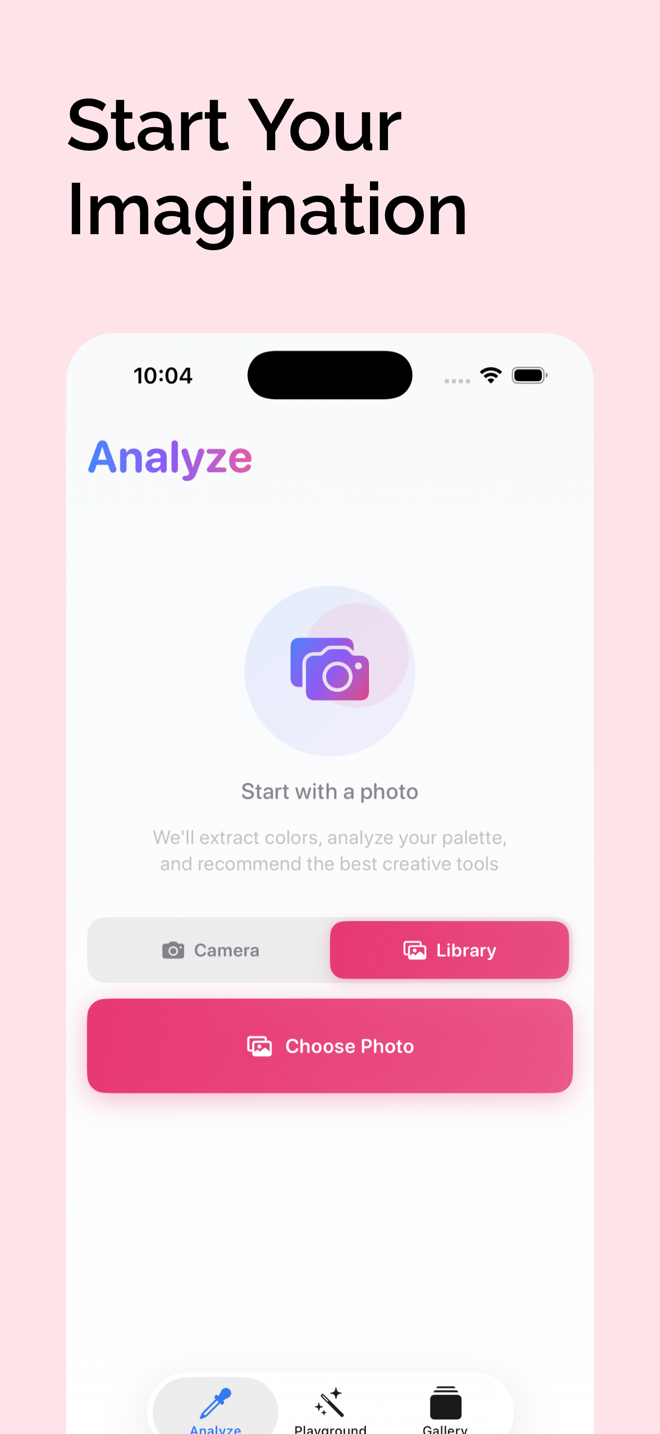
Point your camera at anything, or pick a photo from your library, and Huepick pulls up to twelve dominant colors in a moment.
- Tap any swatch to copy its hex code instantly
- No more eyeballing colors or guessing what is in frame
- Works completely offline, wherever inspiration strikes
Understand the colors you captured
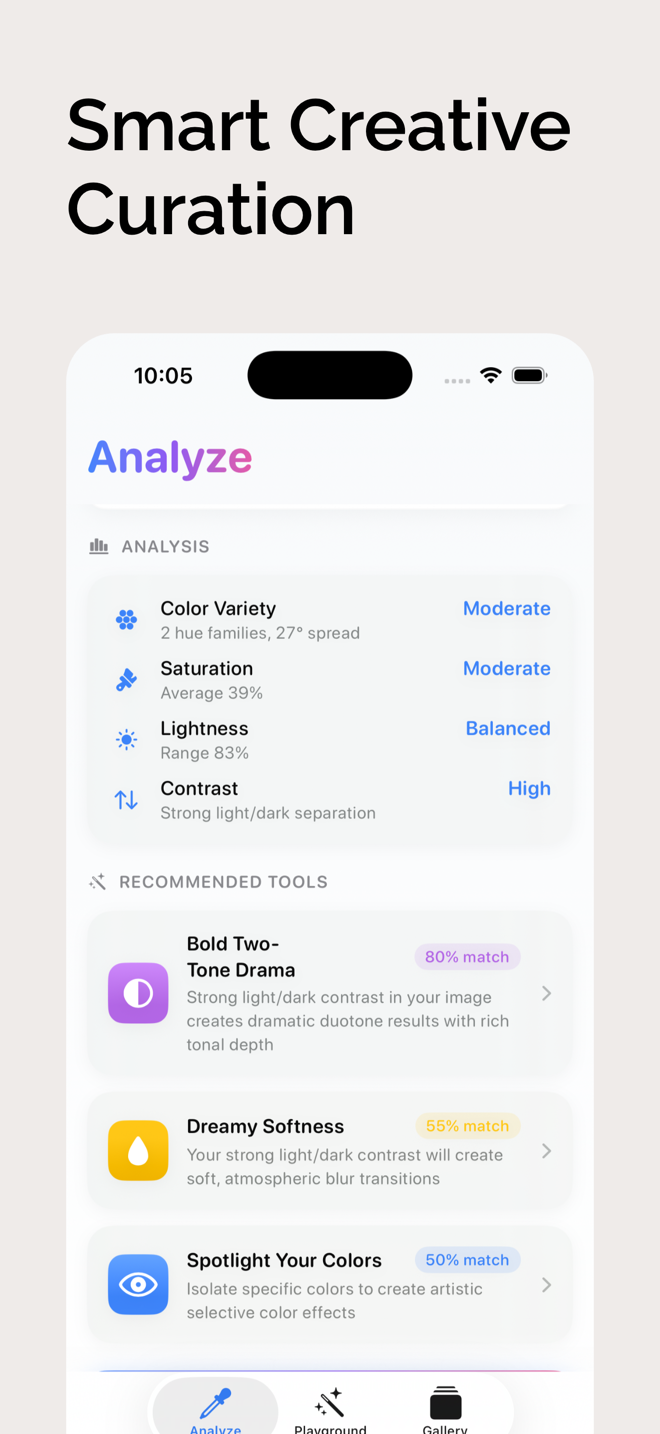
Each palette opens a clear visual breakdown that explains what makes an image work, not just which colors are in it.
- Color variety, saturation, lightness, and contrast at a glance
- Diversity score, hue spread, and a per-color breakdown
- Smart tool recommendations matched to your specific photo
Transform photos into art
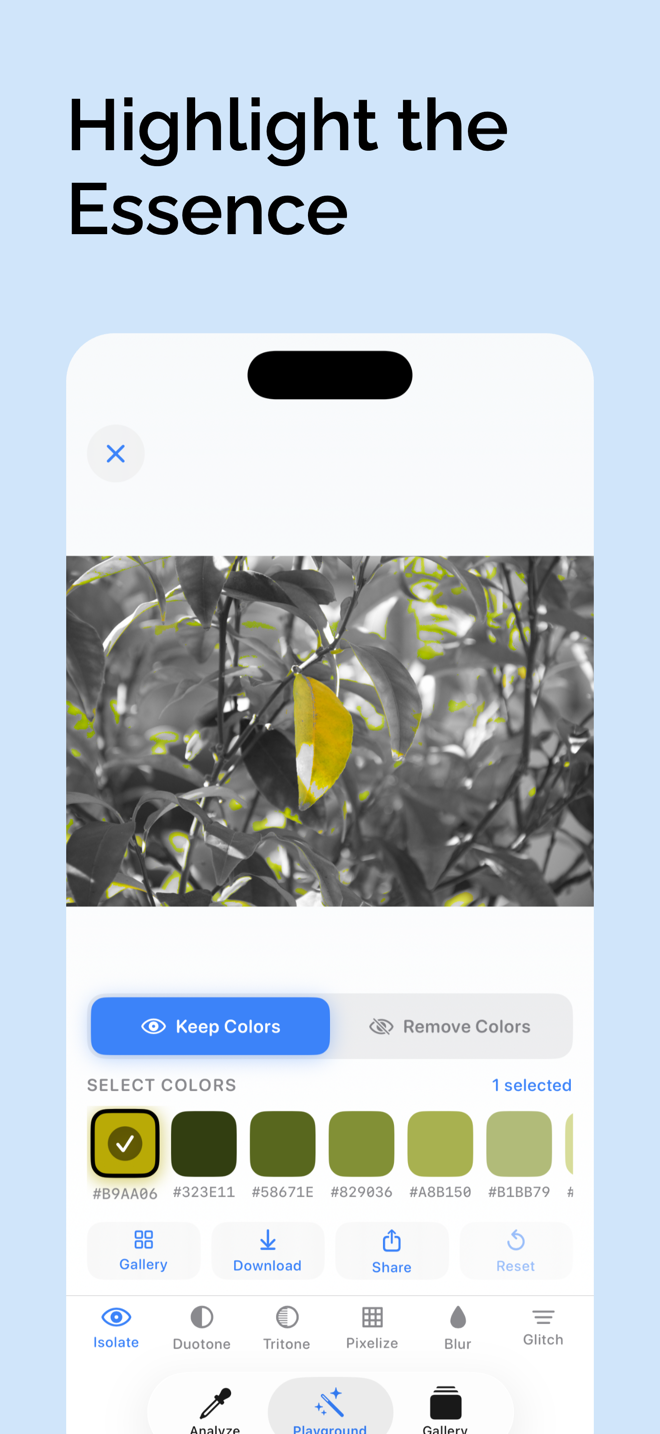
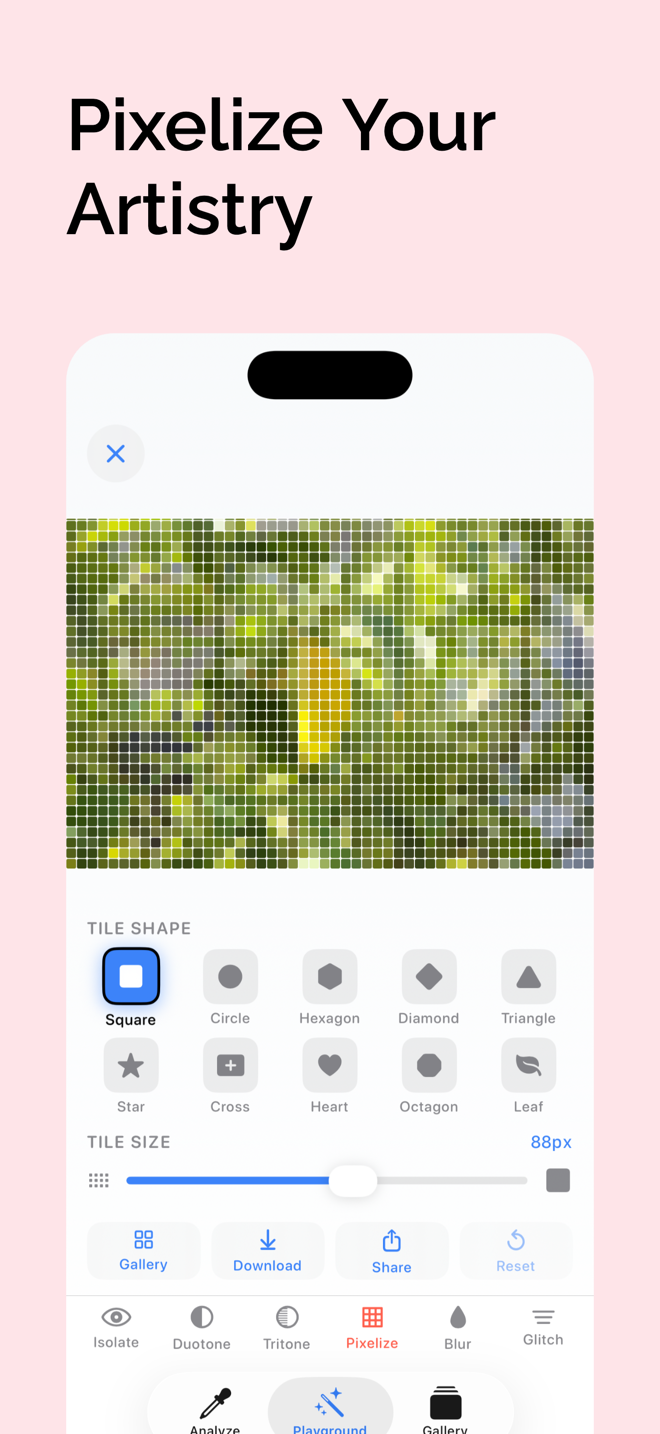
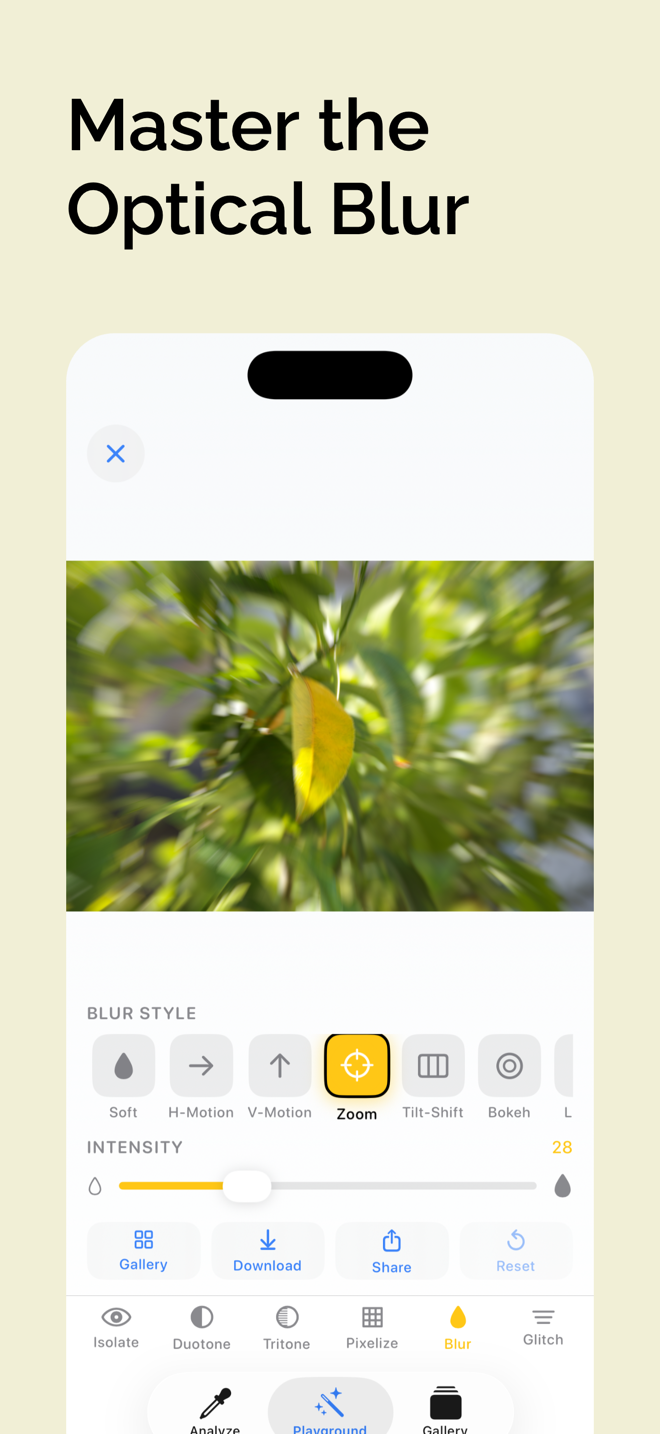
Six creative tools let you reshape any image using the colors from your own palette.
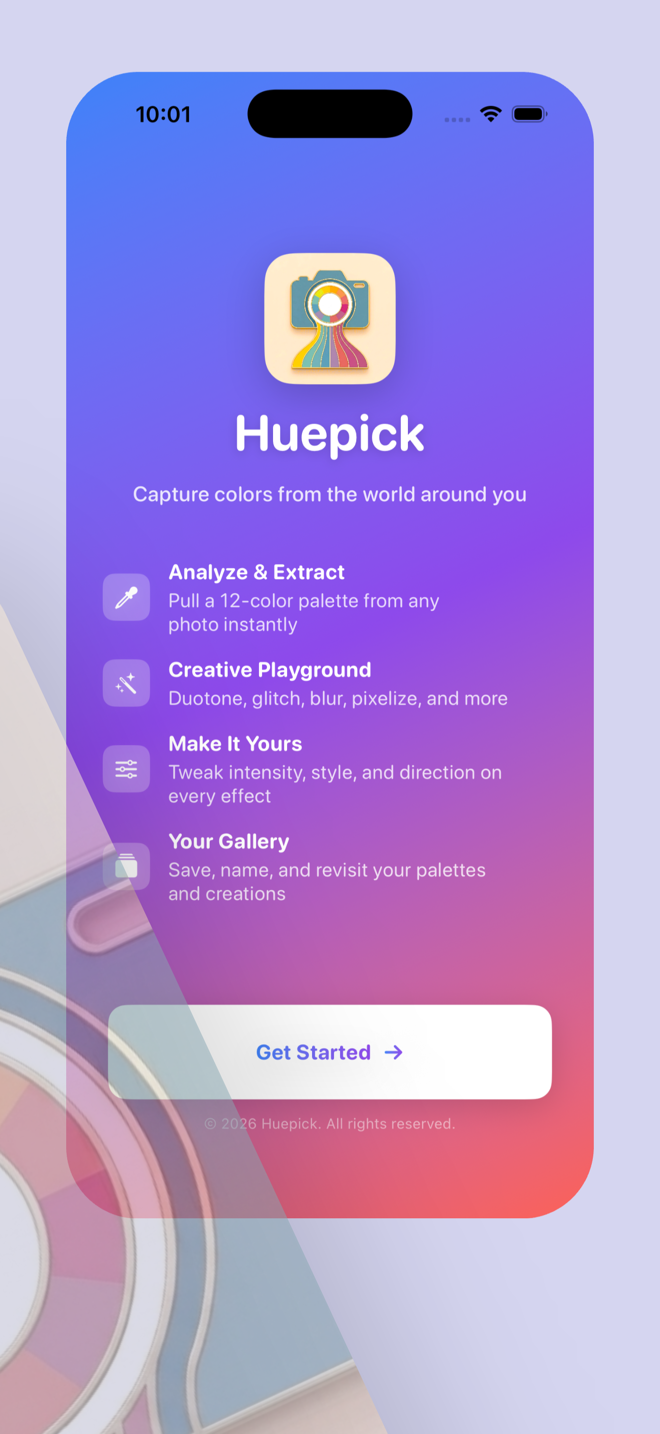
- Isolate, Duotone, Tritone, Pixelize, Blur, and Glitch
- Fine-tune intensity, style, and direction on every effect
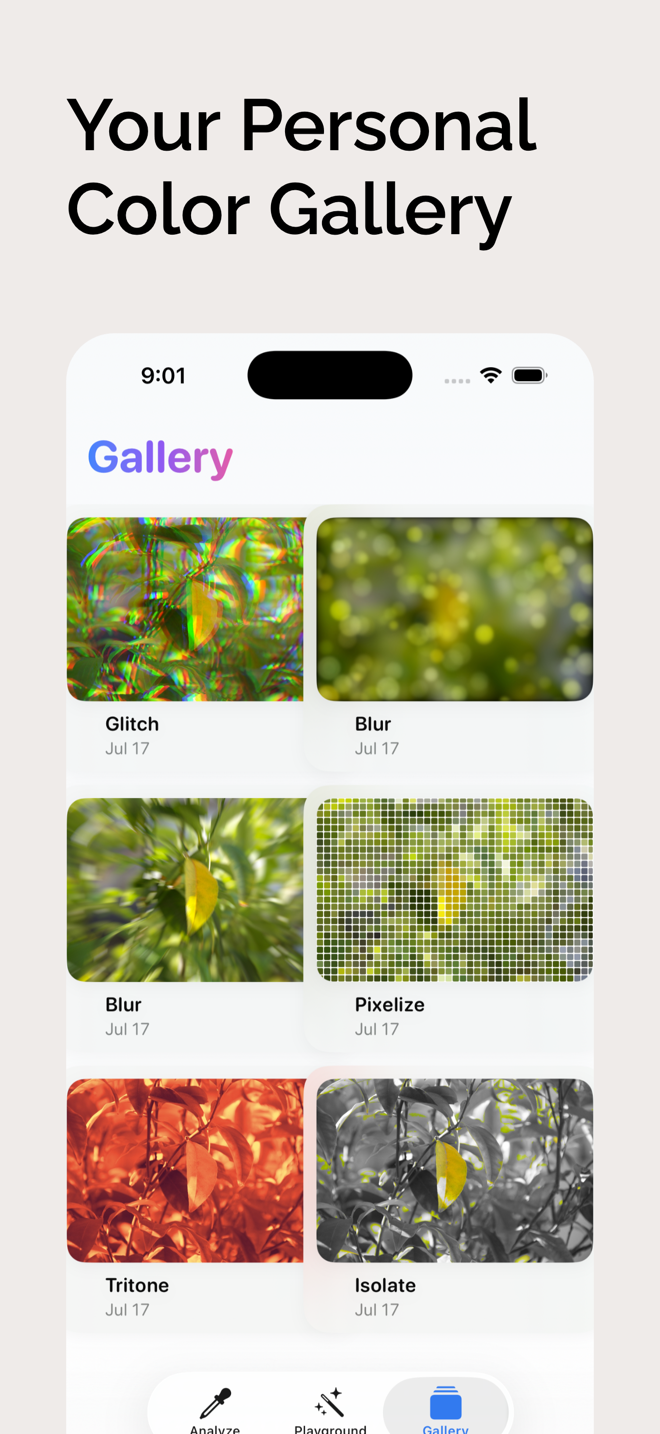
- Save, download to Photos, or share your creations
Private by default
No accounts, no analytics, no ads. Your photos never leave your device and everything works without a connection.
- Palettes and creations stay stored locally
- Nothing to sign up for and nothing to pay
- Consistent trust posture across every page
Product architecture
Three spaces to work in, one consistent color flow throughout.
While keeping the same clear, tactile style, each part of Huepick answers a different intent: pull the colors out, play with them, or come back to what you made.
Analyze
Extract a twelve-color palette and explore it with detailed visual breakdowns and tool suggestions.
- Overview with diversity score and hue spread
- Temperature, lightness, contrast, and saturation read-outs
Playground
Reshape your image with six creative tools, each guided by suggestions tuned to your photo.
- Isolate, Duotone, Tritone, Pixelize, Blur, and Glitch
- Adjust intensity, style, and direction on every effect
Gallery
Every creation you save lives here, ready to revisit whenever inspiration returns.
- Re-edit any saved palette or creation
- Download to Photos or share in a tap
How it works
From a photo to a finished creation in five easy steps.
Snap or choose a photo
Use your camera on anything that inspires you, or pick an existing photo from your library. No account, no setup.
See your palette
Up to twelve dominant colors are extracted instantly. Tap any swatch to copy its hex code.
Explore the analysis
Review hue, temperature, lightness, contrast, and saturation, then see which tools Huepick recommends.
Play with the tools
Transform your photo with six creative tools, guided by smart suggestions for your image.
Save and share
Keep creations in your gallery, download them to Photos, or share them directly, all offline.
Who it serves
A gift for anyone who cares about color.
Build a library of the colors you love
Save any palette or creation and revisit it anytime. It is useful for remembering a color that caught your eye, comparing looks, and reusing exact hex codes across your work.
Made for creative people
- Designers picking and refining brand palettes
- Photographers and artists exploring mood boards
- DIY decorators and makeup artists matching tones
- Developers building accessible, on-brand interfaces
Offer and trust
Free to download. Private by design.
Every feature is available at no cost.
Extract palettes, explore the full analysis, use all six creative tools, and keep your gallery without an account, a subscription, or a paywall.
Compatible with iPhone and iPad on iOS 18.6 or later.
No servers. No cloud. No tracking.
Your photos never leave your device. Extraction, analysis, and every creative tool run locally, so the product promise is as clear as the interface.
That same privacy-first framing carries through overview, support, and policy pages.
Ready to see the colors around you?
Download Huepick, start extracting palettes immediately, and keep your creative tools close at hand whenever inspiration strikes.